
Monitoring dashboard
Can you tell what the bot is doing?
Bring signals, order states and system alerts into a view designed for regular human review.
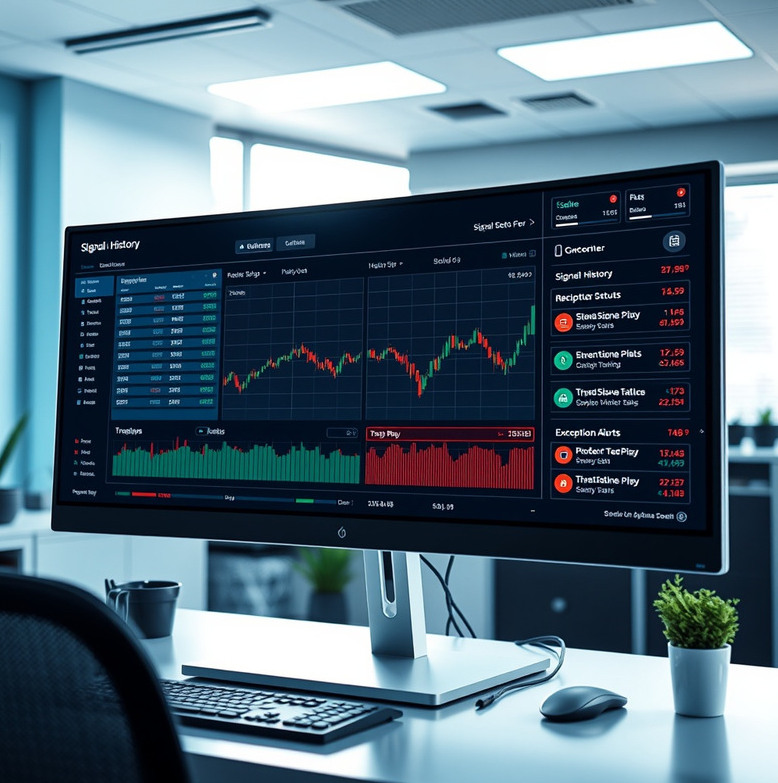
Make system activity legible
The monitoring dashboard brings together the events a strategy operator needs to inspect: recent signals, submitted orders, broker responses, connection state and triggered limits. We agree which events warrant an alert and who receives it. A typical dashboard configuration takes one to three weeks after the workflow and data sources are defined. You receive a configured view, alert rules and guidance for reviewing logs. The dashboard reports available information; it cannot prevent every outage or replace account supervision.
A practical daily review
Confirm connection state
Check that the data feed and broker connection are available before interpreting a quiet period as normal activity.
Match signals to orders
Review whether expected instructions were submitted, rejected, filled or left pending.
Read exception alerts
Investigate repeated failures and limit triggers instead of dismissing them after the system resumes.
Record any intervention
Note manual pauses and configuration changes so later reviews have a complete sequence of events.
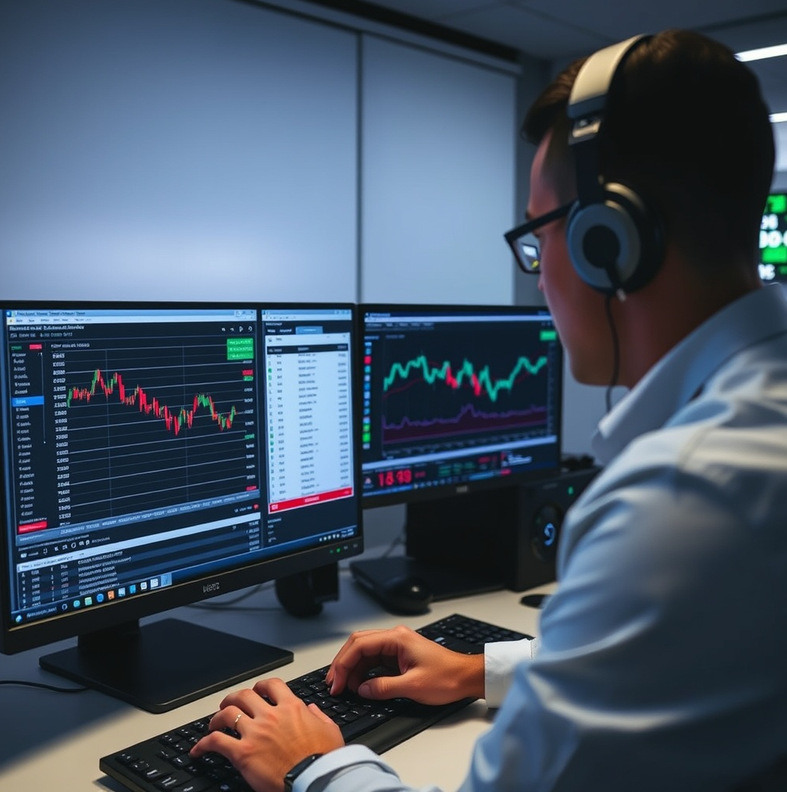
A dashboard for two rule sets
An operator managing two automated rule sets needs to distinguish a quiet market from a broken connection. We would set up a view of feed status, latest signal, last broker response and recent exceptions for each rule set. The handover would include a short review routine and an alert test. The operator would decide who checks the dashboard outside ordinary office hours and what action to take when an alert arrives.
- Scope
- Two rule sets in one view
- Alerts
- Connection and order exceptions
- Delivered
- Dashboard and review routine
Monitoring still needs an owner
An alert is only useful when someone can receive, understand and act on it. Before deployment, we ask who will review the dashboard, how quickly they can respond and when the workflow should pause rather than continue unattended. We also explain which events depend on third-party data or broker reporting. If continuous supervision is essential to your strategy but you cannot provide it, a live automated setup may not be appropriate.
Decide what needs your attention
Describe your current review routine and the events you would want surfaced.
Ask about monitoring